
01
Role-based workspaces
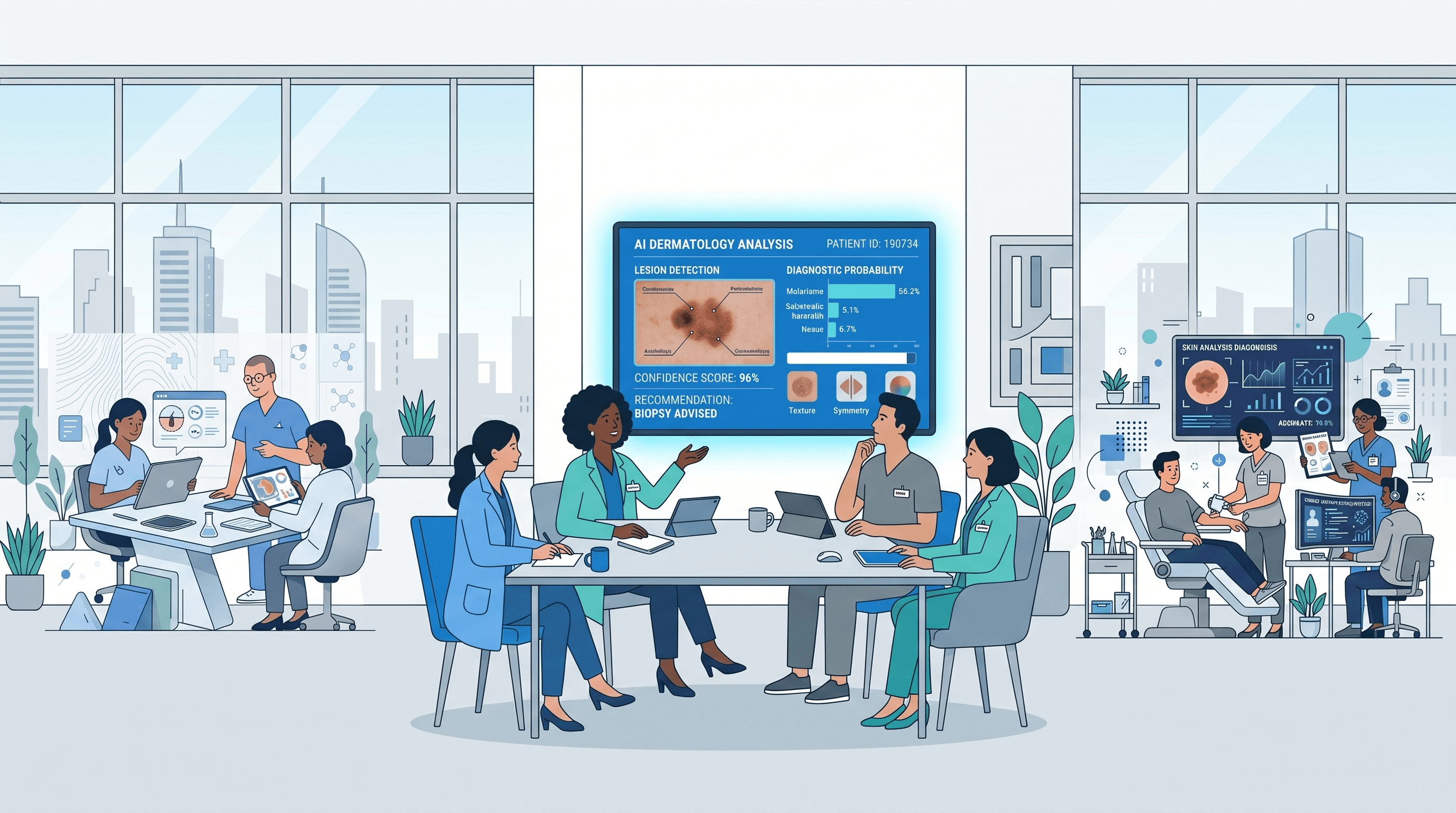
Doctors, patients, and administrators each enter through their own gate. Navigation, data, and actions stay scoped to what that role is allowed to see.
Review dermoscopic images, compare AI suggestions, and export signed reports. The clinician always decides.
For research support. AI is advisory only.
Workflow
Model output and clinical judgment stay distinct at every stage so that when you sign off, the trail is clear.
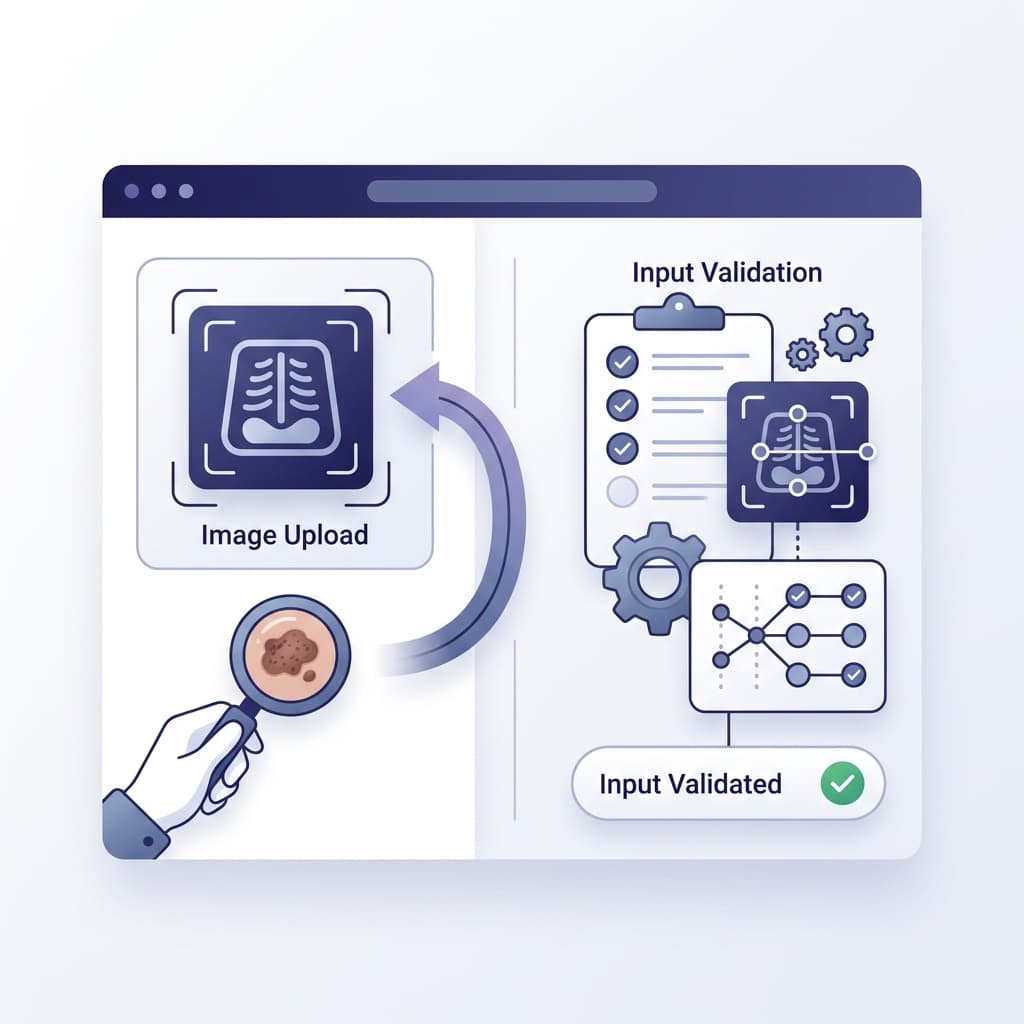
Add a dermoscopic image in JPG or PNG. Quality checks run first so every review starts from a usable frame.
Next stepLighting and framing are normalized so variation in capture conditions does not skew what you and the model see.
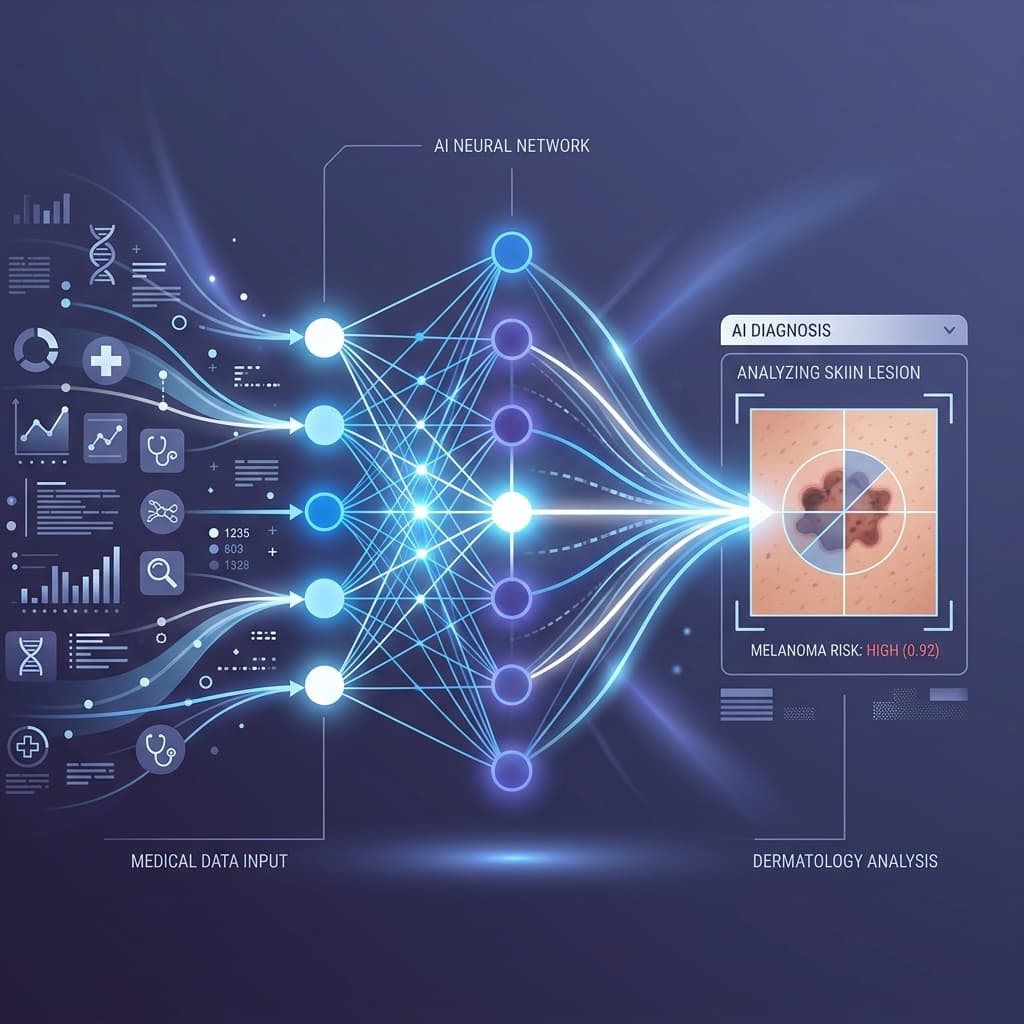
Next stepThe model proposes a classification with a confidence score and a heatmap of influential regions that you may accept, question, or override.
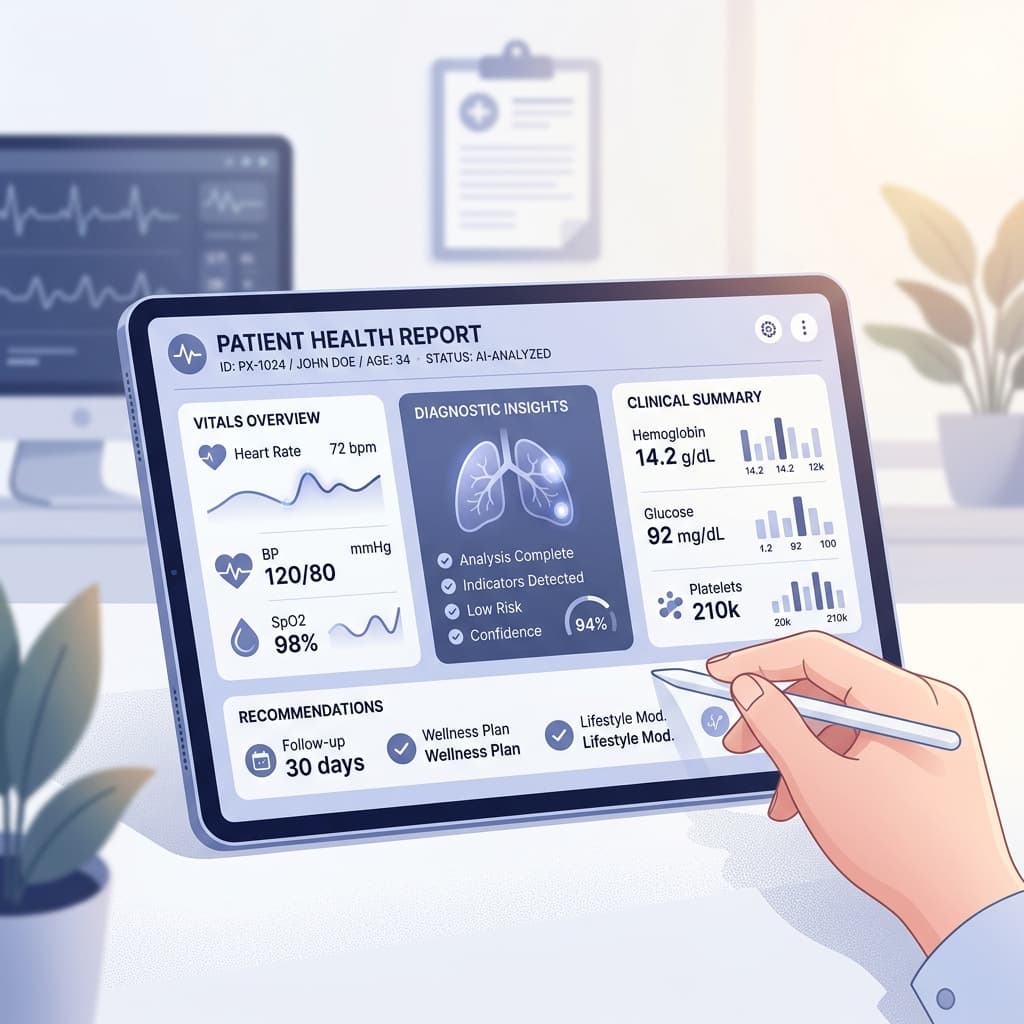
Next stepRecord your clinical assessment, separate from the model output, and export a report that stays with the patient record.
Capabilities
CanScanly is structured so access controls, patient identity, and clinical documentation come first. AI enters that workflow as support rather than as a shortcut around it.
AI-assisted review
Upload a dermoscopic capture, receive a structured classification with confidence and region highlights, then record your own assessment. Analysis runs inside the clinical workspace and is not offered as a public-facing screening tool.
01
Doctors, patients, and administrators each enter through their own gate. Navigation, data, and actions stay scoped to what that role is allowed to see.
02
Create a patient record, receive an MRN, and move straight into the profile so that duplicate charts and orphaned uploads do not occur.
03
Invited patients view only the reports tied to their account. Nothing else in the clinic database is exposed.
04
Model suggestions arrive with confidence scores and visual explainability. The clinician reviews, records the final call, and exports the report.
Ready to review your first case?
Register as a clinician, onboard a patient, and run the full workflow from upload to signed report.